Invoicing that stays on your phone.
Heavy Duty makes invoices, estimates and PDFs on your iPhone. There is no sign-up screen, no login and no cloud. Open the app and start billing.
Free to start. There is an optional paid upgrade inside the app.
- No accountNothing to sign up for, nothing to log into, no password to lose.
- No cloudClients, documents and payments are stored on the iPhone itself.
- No connectionWrite an invoice in a basement or on a plane. It works with the network off.
01 What it does
Everything a small business bills with.
Estimates, invoices, clients, prices, tax and payments. All of it kept in one app on one device.
-
Documents
Invoices and estimates
Quote a job as an estimate. When the client accepts it, one tap turns it into an invoice and carries the items across.
-
Documents
Saved line-item sets
Save the items of any invoice as a Document Template, then drop the whole set into a new document. For the jobs where you bill the same seven things every time.
-
Documents
Terms, notes, follow-ups
Put your terms and conditions on the document, add a note to the client, and set a follow-up reminder so an unpaid invoice does not go quiet.
-
People
Clients with real detail
Several email addresses and phone numbers each, tags, separate billing and shipping addresses, notes, and a pin on the map.
-
Prices
A catalog of what you sell
Items, materials and services with a unit, a price, its tax and a product code. Pick from the catalog instead of retyping the same line.
-
Money
Totals that add up
Discounts per line and on the whole document, markup, shipping, several taxes at once, tax inclusive or exclusive, and about 65 currencies.
-
Money
Payments, including partial
Record what has actually landed. Paid, unpaid and overdue are worked out live from the payments and the due date, never from a flag someone forgot to change.
-
Money
How you want to be paid
Print your payment details on the document: bank transfer, PayPal, cheque, or a method you define yourself.
-
The books
Reports and export
Invoiced, paid, outstanding and overdue, a revenue chart, top clients and top services, by month, quarter, year or all time. Export a full JSON backup or a QuickBooks-importable CSV.
02 The paper
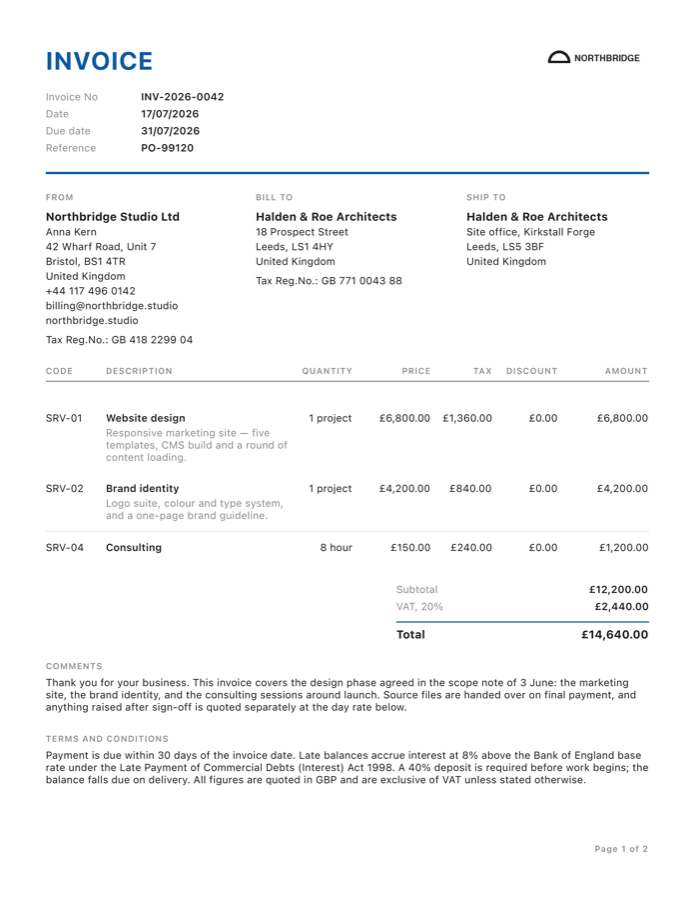
11 PDF templates, and yours on all of them.
The PDF is what the client actually sees. Pick a layout, drop in your logo, set the accent colour, and the document goes out looking like your business.
-
Clean plain and roomy -
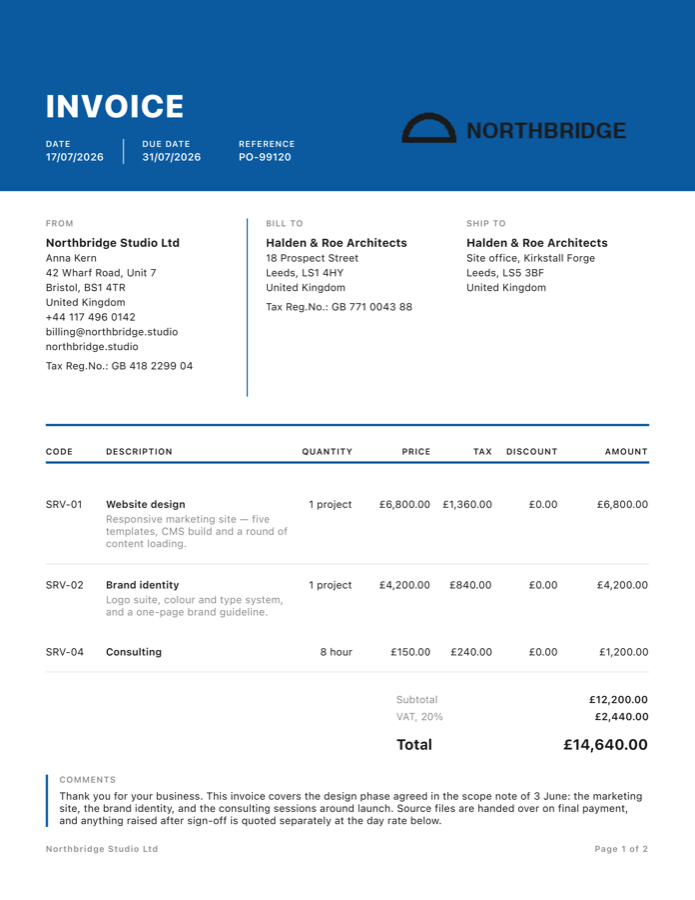
Bold colour block header -
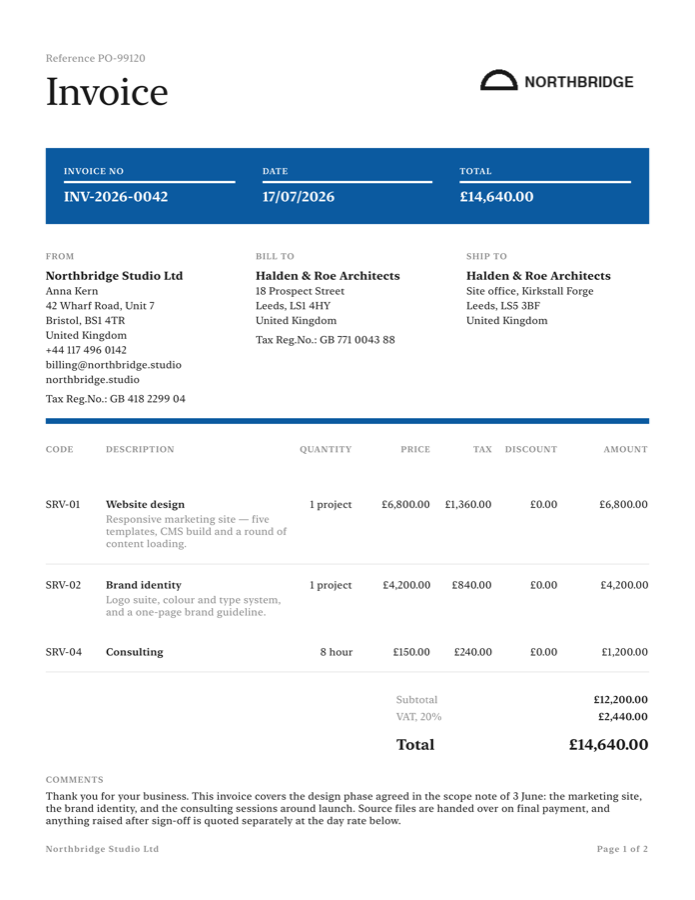
Elegant quiet and formal -
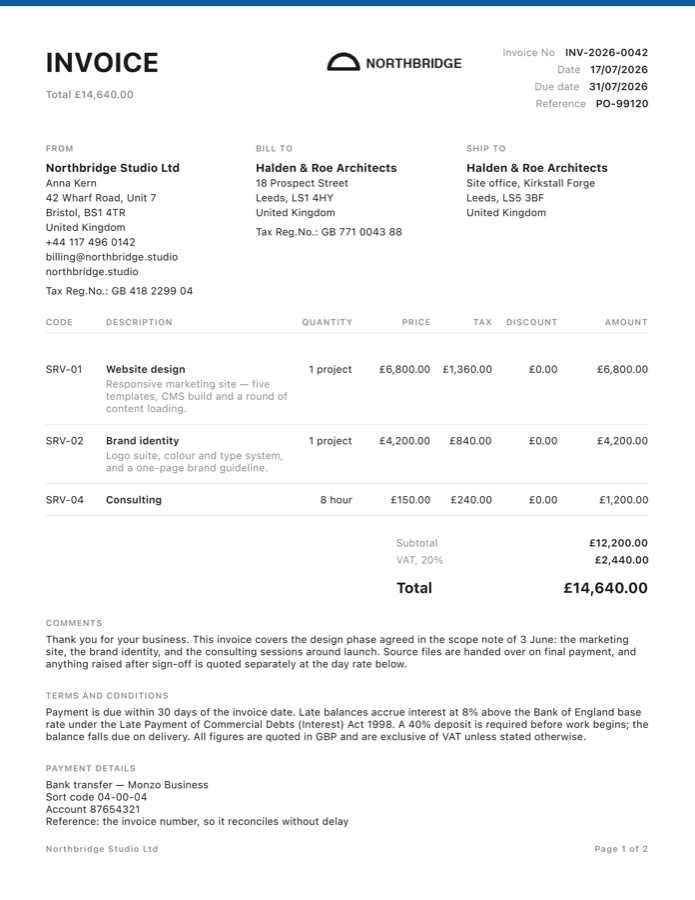
Minimal just the numbers
All eleven
Switch template on any document and see the change before you send it.
- Clean
- Classic
- Modern
- Bold
- Elegant
- Techy
- Simple
- Trendy
- Dynamic
- Executive
- Minimal
What you can change
03 The app
Built for iPhone, and it shows.
A native iOS app. Lists that scroll properly, forms that behave, and figures you can read at arm's length in a van.
-
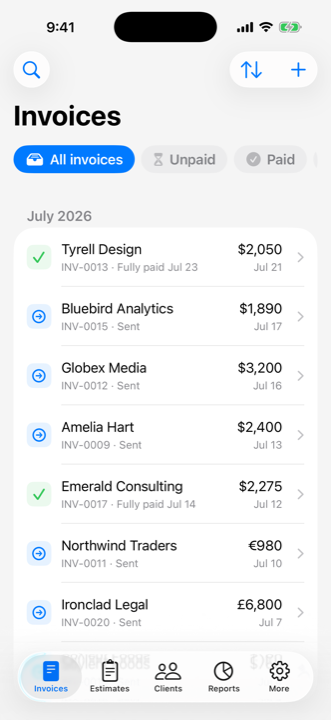
Every invoice, one list
Filter to unpaid or paid. Status comes from the payments and the due date, so the list is always the truth.
-
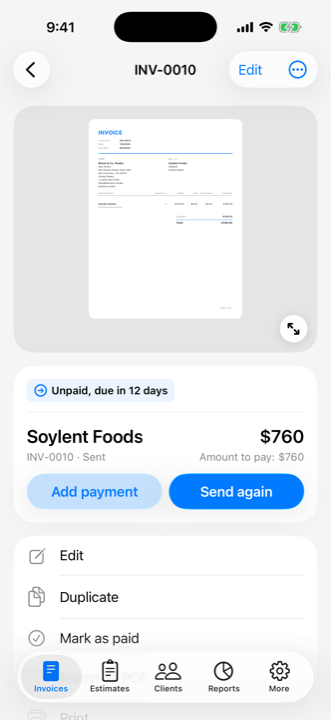
The document itself
Open an invoice, check the lines, record a payment, then send it by email, WhatsApp, Messages or the share sheet. Or just print it.
-
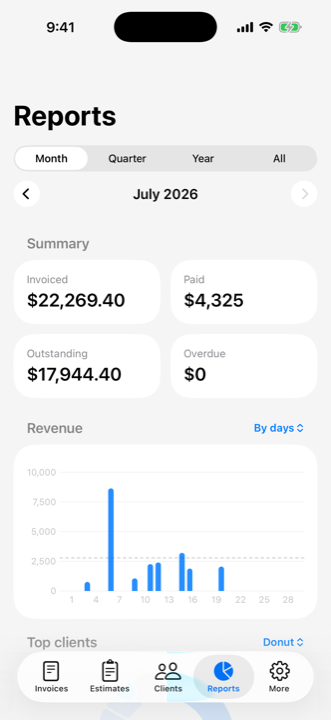
Where the money is
Invoiced, paid, outstanding and overdue for the month, quarter, year or all of it, with a revenue chart and your top clients.
04 Your data
Your books are yours.
Client lists and revenue are sensitive. Here is exactly where they sit.
-
It lives on the device
Invoices, estimates, clients, catalog items and payments are stored on your iPhone. The app does not upload them anywhere.
-
There is no account
You never hand over an email address or a password, because there is nothing to sign into. There is no profile of you to leak.
-
It works with the network off
Making a document, rendering the PDF and running the reports all happen on the phone. A connection is only needed at the moment you email or message a document.
-
You can take it all out
Export a full JSON backup of everything, or a CSV you can import into QuickBooks. Keep your own copy somewhere safe. Nothing is locked in.
Bill the job before you leave it.
Download Heavy Duty, add your business details once, and send the first invoice from the driveway.
Free to start, with an optional paid upgrade. iPhone, iOS 26.